Get a quick, successful start with your Mobile App with our three-step-by-step videos below.
Based on your goals, each video provides step-by-step guidance on setting up your App.
- Simple Setup: Get started quickly with the features your members use most.
- Advanced Setup with Custom Pages: Create a personalized experience for your community.
- Integrated Setup: Leverage our integrated solutions to provide your community with additional natural engagement opportunities, plus simplify ministry on the go for staff and volunteer teams.
Simple Setup
In under an hour, your Mobile App can be live using pre-created Modules, each pre-designed for essential ministry goals such as Giving, Sermons, Calendar, and more.
Modules are easy-to-use Mobile App Pages that display content you've already created.
In just a few clicks, configure and professionally display the Mobile App features your members use most!
Advanced Setup with Custom Pages
Personalize your App with Custom Pages (Flex Content) to make it feel native to your ministry.
Custom Pages provides significantly more creative control over the look, feel, and functionality of your Mobile App.
Use images, text, video, buttons, and more to seamlessly link custom page content to other Mobile App modules, Custom Pages, Forms you've created, or even website URLs.
Keep your community engaged with what matters most to them, and to your ministry.
 Integrated Setup with People and Streaming
Do you have Amplify Streaming or People (our Church Management System)? If not, you're missing out. 😉
People:
-
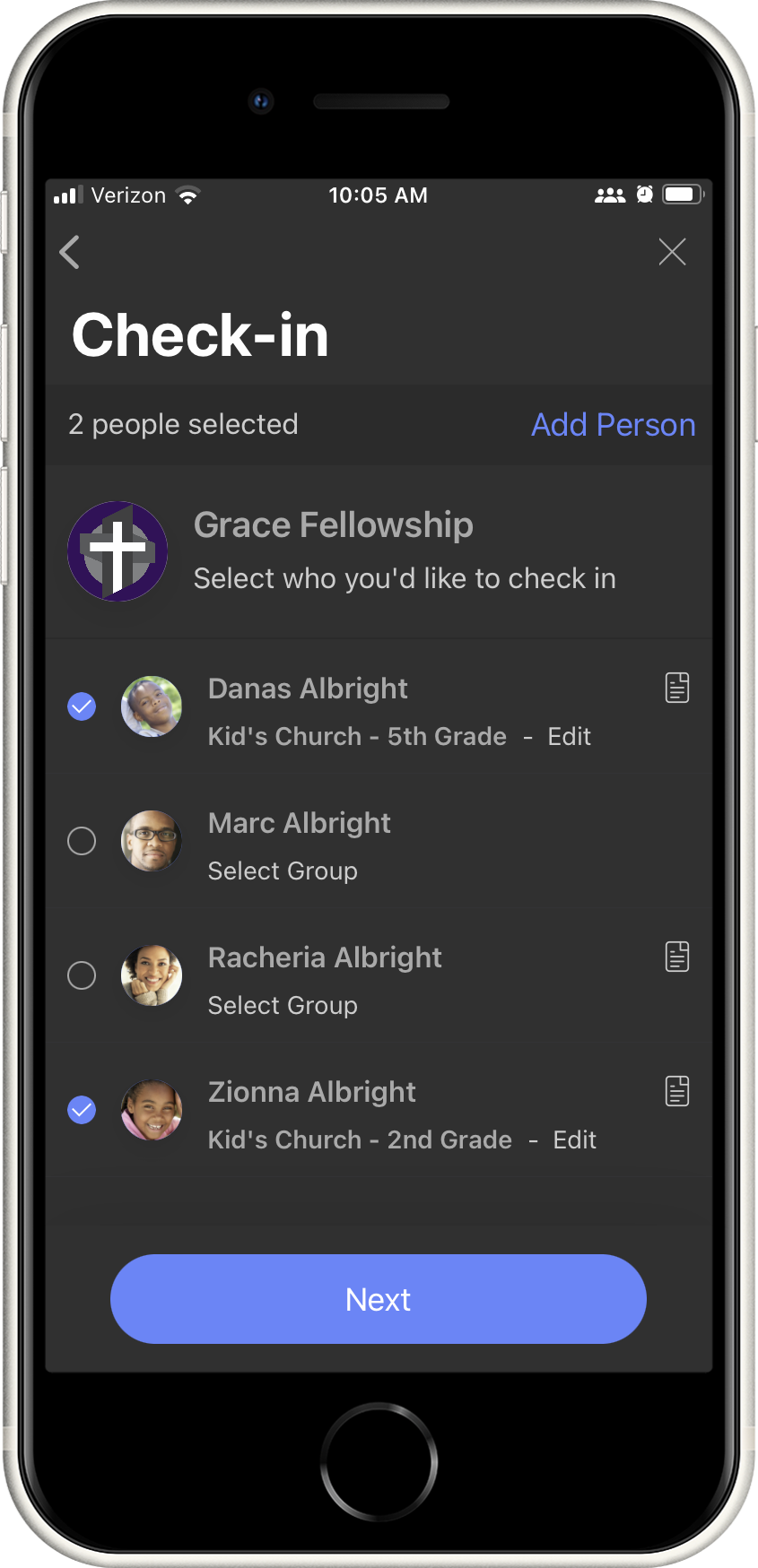
Members: Streamline ministry and provide natural engagement opportunities with member-facing modules such as a Mobile Check-in, Directory, and Groups.
- Volunteers & Staff: Take ministry on the go using notes, ministry assignments, follow-up tasks, or simply view and manage all your people records and their data from the convenience of your mobile device.
Streaming:
- Natively display your livestream within your App
- Send automated push notifications when you're live
- Engage busy families with audio-only mode; pop in your earbuds or stay tuned in via Bluetooth speakers. Multitask-Friendly 😊
Updated